Advice that fits your account.
Use your Instagram results and TVS findings to get recommendations relevant to your content.
No screenshots. No copying numbers into a chat.
Get personalised advice and turn it into content ideas, stronger drafts and concrete editing choices. With The Viral Sauce Instagram Plugin, ChatGPT uses your data and content analysis to help you create, so you don’t have to figure out whether generic tips apply to you.
Get started with TVSGet advice tailored to your Instagram results and content analysis.


Personalised help
with your next question,
draft or editing decision.
Use your Instagram results and TVS findings to get recommendations relevant to your content.
Develop ideas, improve drafts and work through editing choices with your TVS analysis in ChatGPT.
Ask your question. ChatGPT retrieves your TVS data without screenshots or copied numbers.
Monitor
Account metrics, follower growth and Reel results, ready to question and compare.
Deep Intelligence
Get ChatGPT to develop better ideas, write scripts and edit your videos using your content analysis.
ChatGPTUse my video analysis from The Viral Sauce to help me edit my next recipe video.
ChatGPTShow the finished plate first,
then the steps.
Your reference Reel opens with the result. Here’s the editing structure from your analysis:
 01020304
Time ingredient captions to each step. Keep the sizzle under the music and match the last shot to the first for a loop.
I’m going to bed. Use the clips in Movies / Lemon pasta to make a first draft with that structure.
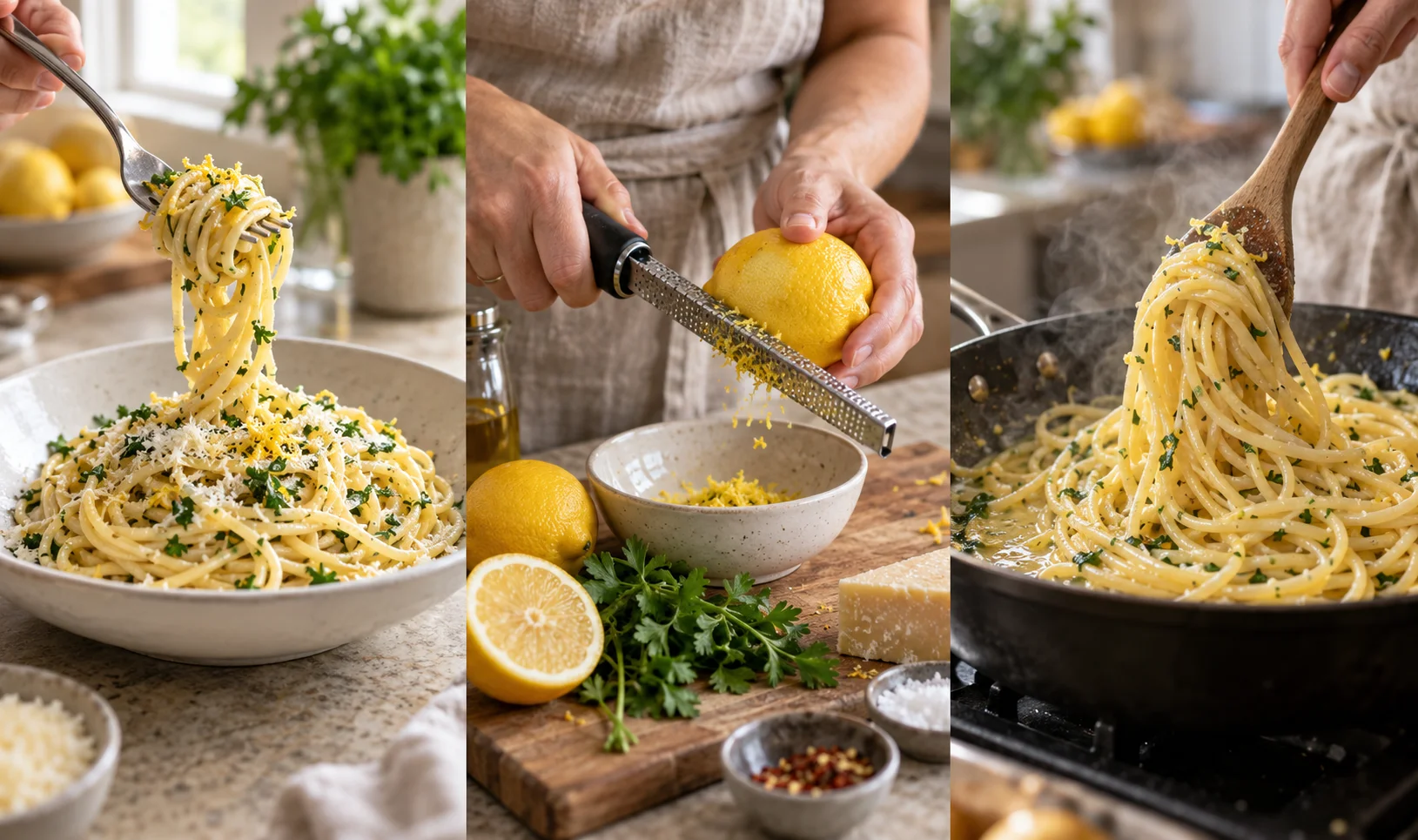
Brief: a 30-second vertical Reel for a 15-minute lemon pasta recipe. Ingredient captions, cooking sounds, no voiceover.
ChatGPTI’ll work on the first draft
while you sleep.
I have your analysis, footage and brief.
Choose a plan and connect your Instagram Business or Creator account.
Sign in to TVS and select the Instagram account you want to use.
Ask about your results, paste a draft or describe the edit you’re working on.
The Viral Sauce is an Instagram connector for ChatGPT. Connect your Instagram Business or Creator account to The Viral Sauce, then add the plugin in ChatGPT. Monitor provides performance data; Deep Intelligence adds analysis of your videos and posts.
TVS supplies the account data and published content analysis that make the help specific to your Instagram. ChatGPT can use that information to answer questions and help you apply your findings.
Yes. Connect your account to use your account metrics, follower history and Reel results in ChatGPT. Deep Intelligence adds published content findings, recommendations and competitor findings.
Yes. Paste a draft or describe the video you’re working on in ChatGPT. With Deep Intelligence, ask it to use your TVS findings to suggest changes.
You select which connected Instagram accounts to share when you connect TVS. You can manage that access and disconnect ChatGPT in TVS.